Detect physical slaps and USB plug-in events on your MacBook, then instantly trigger actions like sound playback, panic mode, Show Desktop, screenshots, Lock Screen, app launch, Shell Script, or AppleScript.
Apple Silicon only · macOS 14+
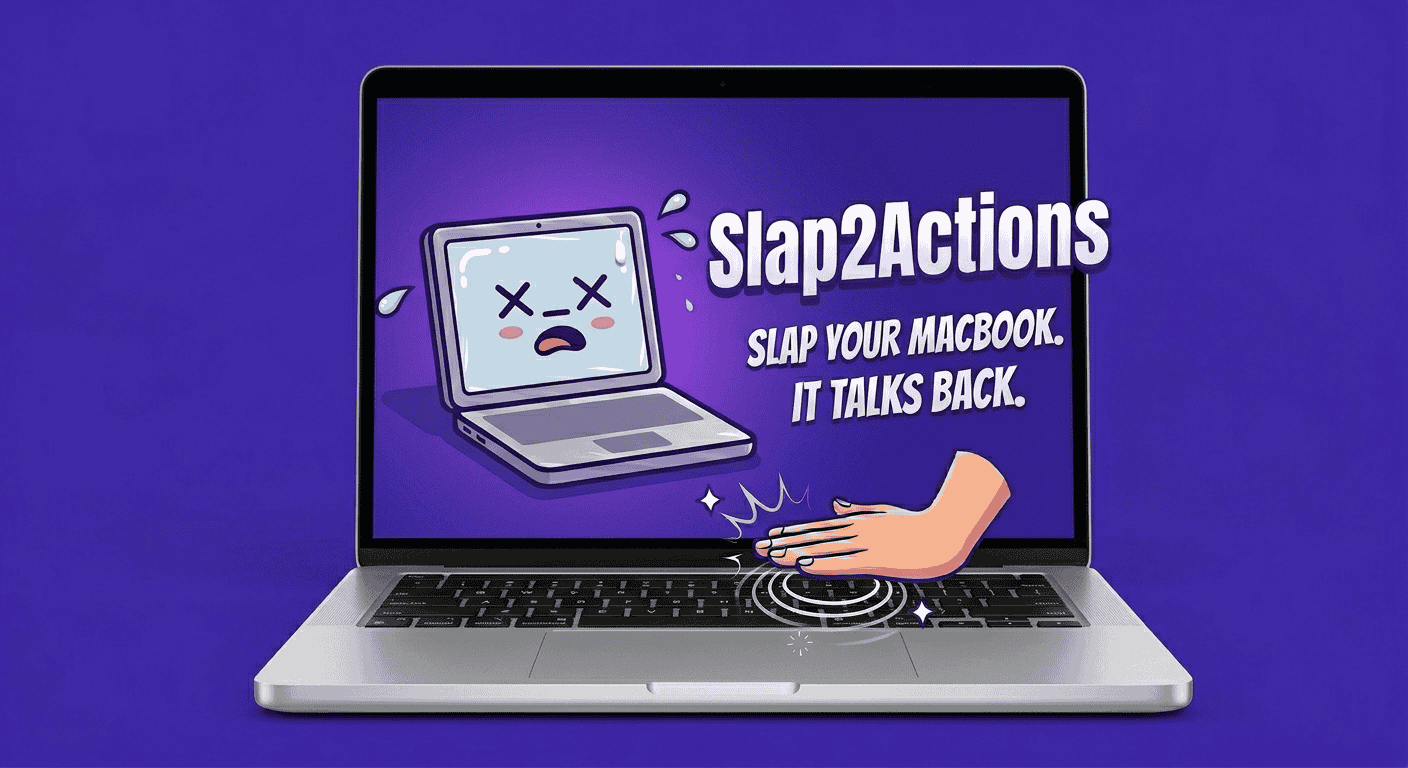
50+ sound clips across 10 sound packs. Your open-plan office will have questions.
Slap trigger
Use the MacBook accelerometer as a physical shortcut.
USB trigger
Run actions when a USB device connects, disconnects, or both.
Play Sound
Choose built-in sound packs or point to your own audio file.
Panic Mode
Hide windows and mute audio, then restore from the menu bar.
Show Desktop
Clear the screen instantly without changing your setup.
Capture Screenshot
Grab the screen automatically when a trigger fires.
Lock Screen
Lock the Mac from a slap or device event.
Shell Script
Run local scripts for custom automations.
AppleScript
Control macOS apps with a file or inline AppleScript.
Open App
Launch a selected app from either trigger.
Yes. The app simply reads raw data from your built-in accelerometer; it does not modify any system files or hardware firmware. While a firm tap is all it takes to trigger an action, Slap2Actions is not responsible for any "enthusiastic" physical damage or voided warranties. Use common sense: a tap is a trigger, a punch is a repair bill.
It's a macOS utility that lives in your menu bar. It turns physical impacts on your MacBook and USB connection events into digital triggers. Want to run a script by tapping your laptop? Now you can.
Slap2Actions requires Apple Silicon (M1 Pro, or any M2/M3/M4 chip) and macOS 14 (Sonoma) or later.
You can trigger Play Sound, Panic Mode, Show Desktop, Capture Screenshot, Lock Screen, Open App, Shell Script, and AppleScript actions.
The app polls the internal accelerometer via the Apple SPU. We use a High-Pass Filter to ignore "static" movements (like using your laptop on a train) and only trigger when a sudden impulse—a spike in G-force—is detected.
You can dial this in via the menu bar settings. A low threshold makes it an "earthquake detector" (very sensitive), while a high threshold requires a "full commitment" slap to trigger. We recommend starting in the middle and adjusting to your desk's vibration levels.
Yes — try it on your Mac before purchasing, and we'll sort things out. However, no refunds or warranty for slapping too hard or breaking stuff.